
Help Center
Company
Company workflows for posting listings, reviewing reps, and unlocking contacts.
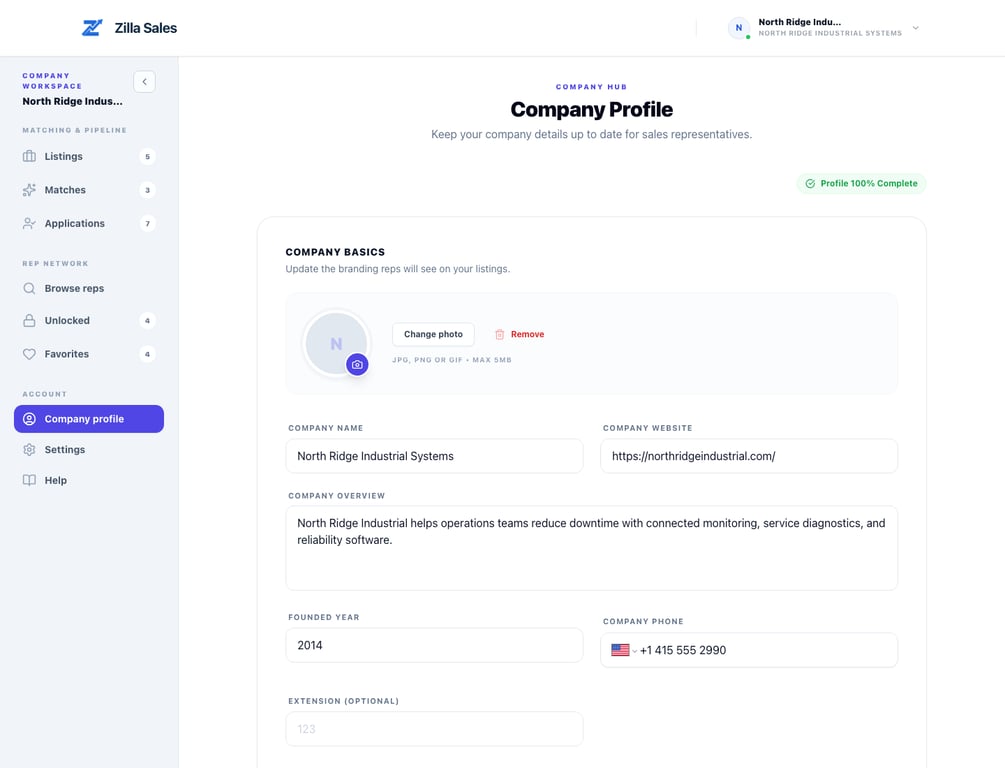
Set up a company profile reps can trust
Show reps who your company is, what it sells, and why the opportunity is credible before asking them to engage.
Read guide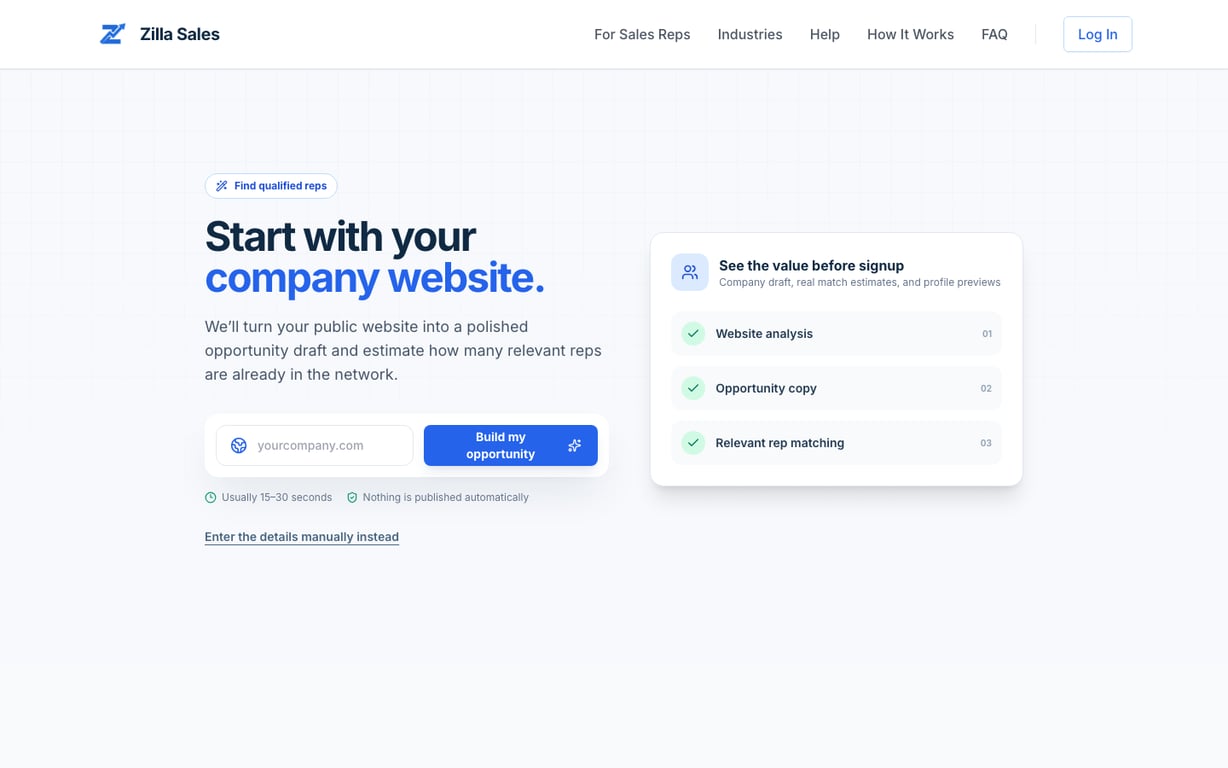
How to post your first opportunity
Create a credible opportunity, review the generated draft and match preview, then activate the listing and matching campaign.
Read guide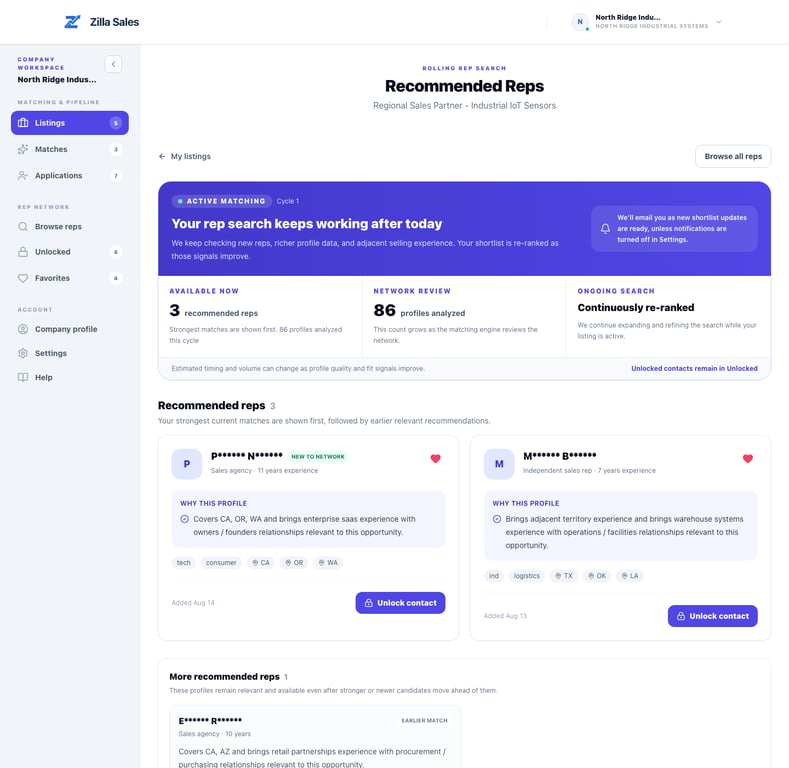
How Zilla Sales connections work
Know exactly what each connection stage means, what a paid plan unlocks, and which follow-up actions your team owns.
Read guidePricing plans, profile matches, and contact credits
A transparent guide to live checkout terms, matching terminology, credits, renewals, and the separate managed service.
Read guideWhat happens after you pay
A current first-week roadmap from activation to recommendation review, direct outreach, and applicant follow-up.
Read guide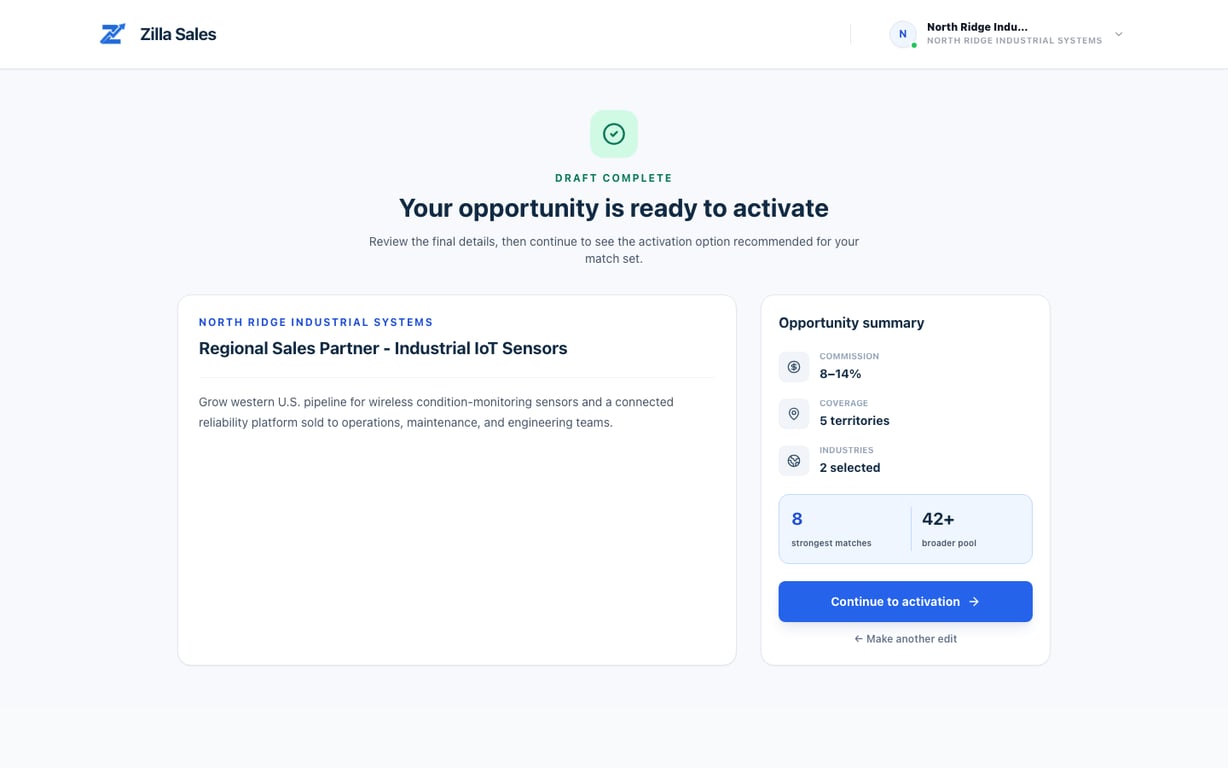
Does Zilla Sales have reps in my industry or territory?
Use a precise opportunity and directional match evidence to judge likely coverage without treating a network count as guaranteed interest.
Read guideHow recommended reps and rolling matching work
See how your first shortlist is built, why recommendations change, and where earlier matches remain available.
Read guide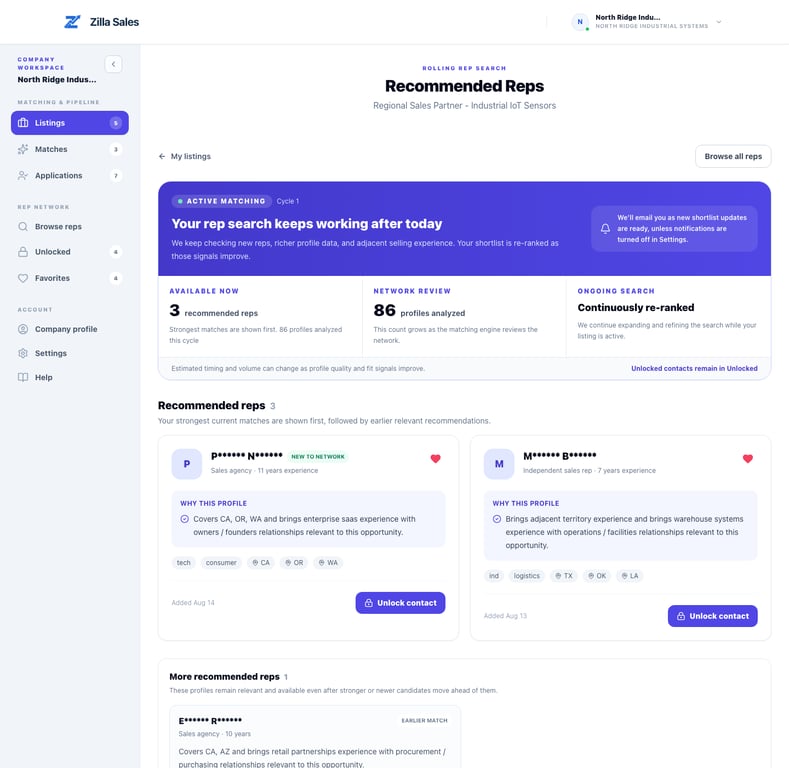
Understand match quality and Why this profile
Use the rationale and profile evidence to decide which recommended reps deserve deeper review or contact access.
Read guideRep verification, interest, and contact quality
Separate profile evidence from current interest, perform direct diligence, and report inaccurate or unreachable contact information.
Read guideImprove the quality of your recommendations
Tighten the commercial inputs that influence matching and learn what to do when only a few credible profiles exist.
Read guide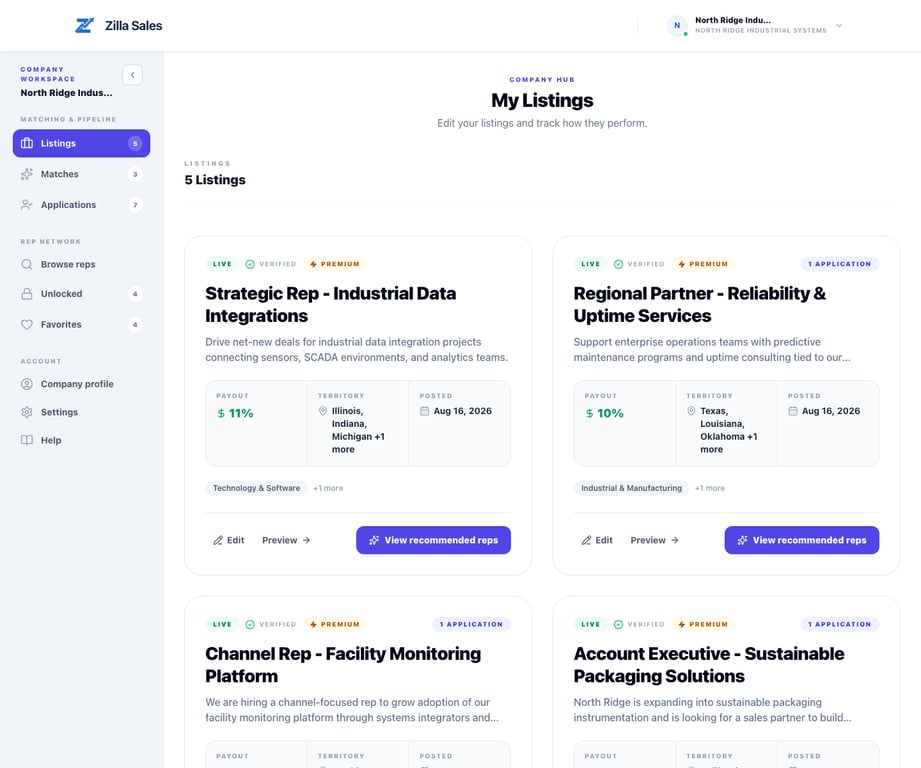
Manage your company listings
Manage live listings, open rolling recommendations, separate applicants from matches, and understand when edits require review.
Read guide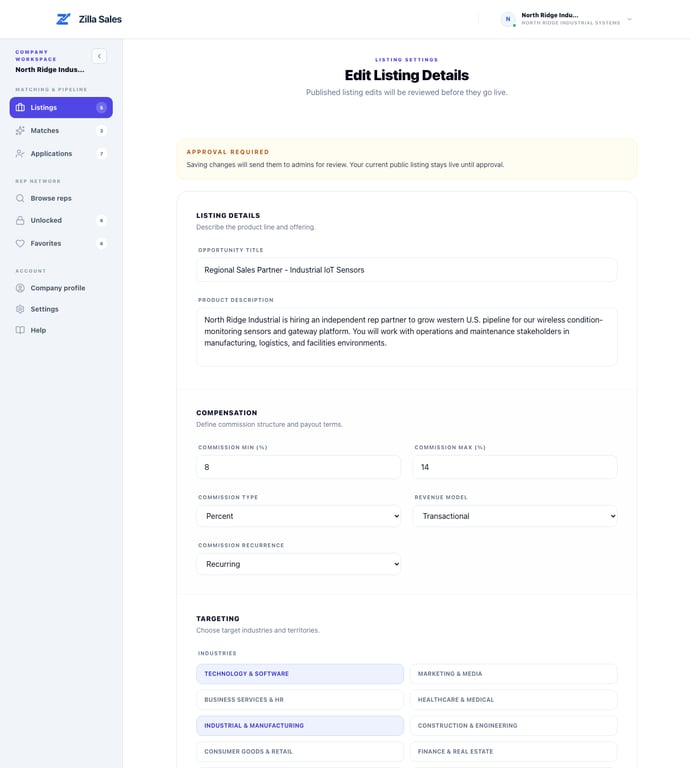
Correct, edit, or replace a listing
Keep your opportunity commercially accurate when a draft or review adjustment needs correction, replacement, or another territory version.
Read guideListing review, statuses, and visibility
See what every listing status means, what remains visible during an edit, and how to resolve a listing that is not live.
Read guide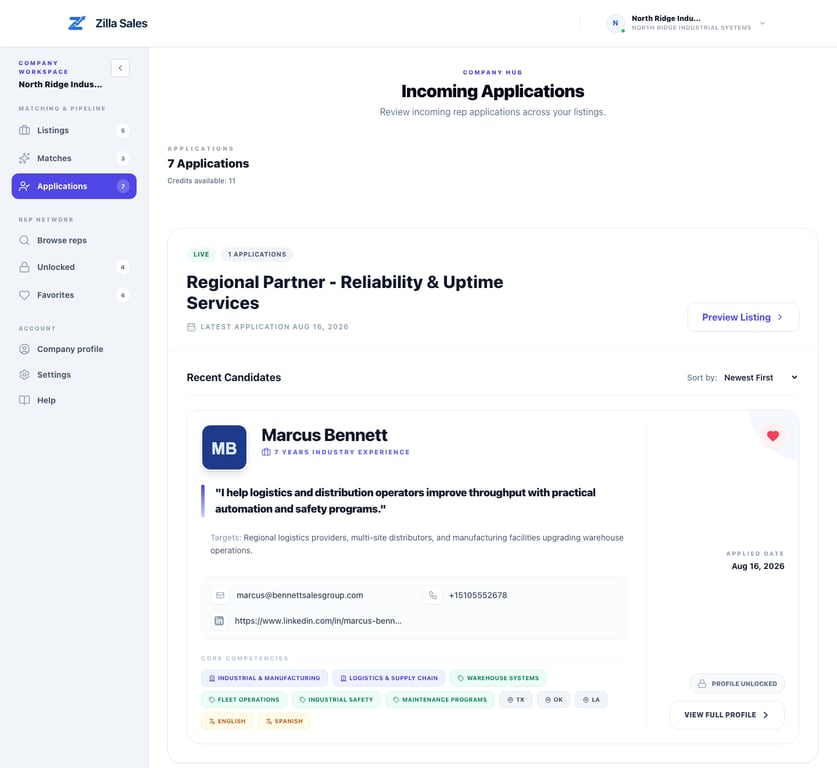
Review rep applications effectively
Use the current Applications workspace to compare fit, save promising reps, and spend contact credits deliberately.
Read guide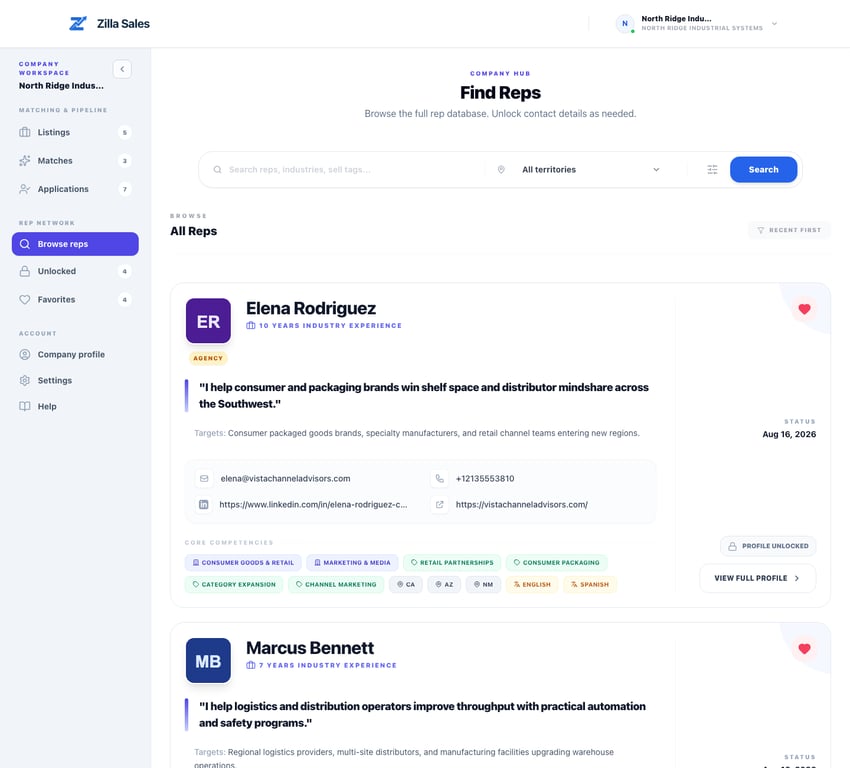
How to favorite reps and build a useful shortlist
Use Matches for opportunity-specific recommendations and Favorites to organize profiles you want to revisit.
Read guideUnlock rep contacts and resolve problems
Use contact credits deliberately, understand what an unlock provides, and fix the most common unlock blockers.
Read guide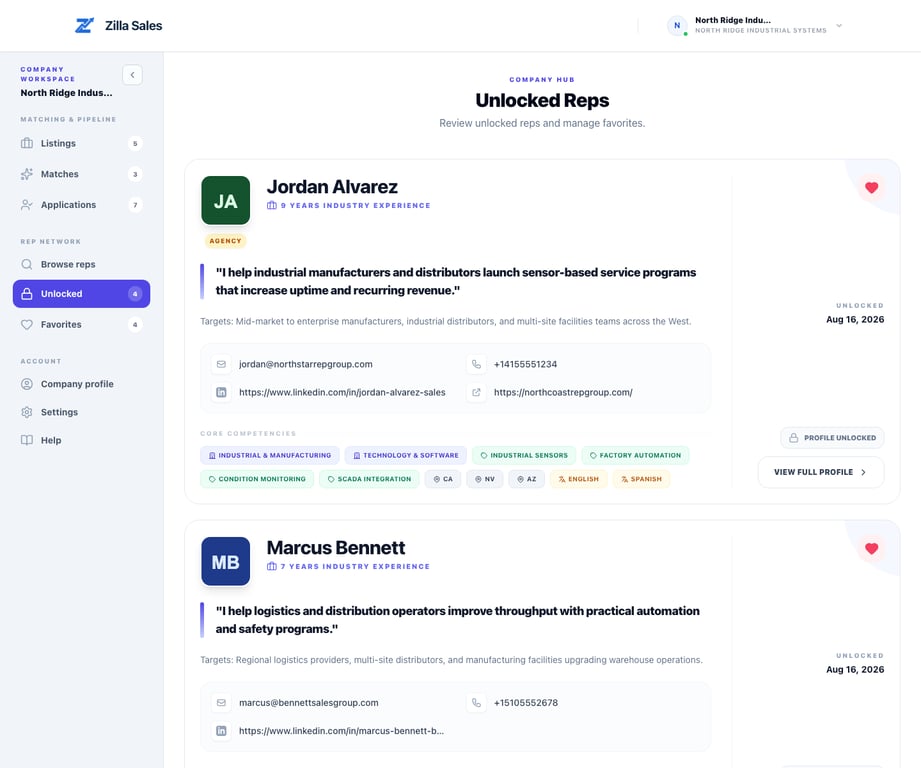
Manage unlocked reps and start outreach
Turn contact access into a timely, relevant conversation while keeping your own follow-up record and respecting rep privacy.
Read guide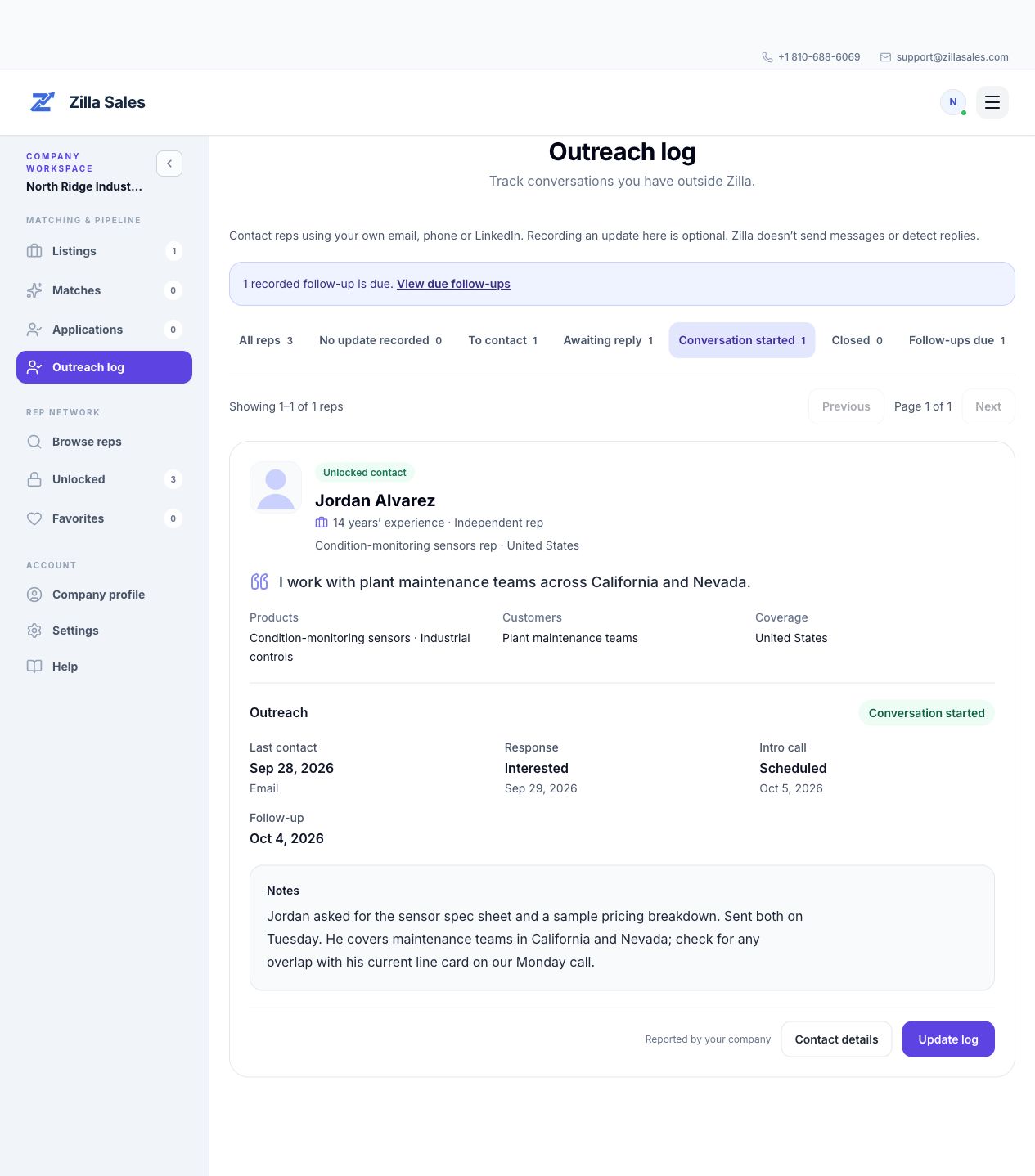
Track rep outreach and follow-ups
Keep your next step clear: record rep outreach, replies, calls, and follow-ups in your company workspace.
Read guideQuick answers
Common company questions
What does a paid plan actually provide?
Paid access provides the matching, profile-review, contact-credit, and outreach tools described for the selected plan. It does not guarantee a response, hire, or sale.
See how connections workWhat is the difference between a recommendation and an application?
A recommendation is a profile Zilla identified as a possible fit. An application means the rep independently expressed interest in your opportunity.
Compare every connection stageWill I always receive several matches immediately?
Not necessarily. Recommendations are released when enough credible profile evidence is available, and specialized searches can take longer or produce a smaller shortlist.
Understand rolling matchingWhat does one contact credit buy?
One credit unlocks the contact details currently available for one profile. It does not buy an application, reply, meeting, or agreement.
Review contact unlocksHow do I keep track of rep outreach and follow-ups?
Open Outreach log to record contact attempts, replies, calls, notes, and your next follow-up for unlocked reps and applicants. Updates are optional and do not send messages or automatically detect replies.
Use the outreach logWhat should I do if there are no applications or useful matches?
Confirm the listing is live, improve the opportunity inputs, review Matches and Browse reps, and use direct outreach instead of waiting only for inbound applications.
Run the complete diagnosticCan I edit a live listing?
Yes. Material changes can send the revision back to review while the current approved version remains live.
Edit a listing safelyWhich subscription price and renewal terms apply?
The accepted checkout terms and billing portal are the source of truth for your subscription. Current public offers do not replace the terms already attached to a purchase.
Review pricing and creditsHow do cancellation and the 30-day guarantee differ?
Cancellation stops future renewal. A guarantee request is a separate support process with eligibility requirements for the initial paid term.
Review cancellation and guarantee rules