
Company
How to post your first opportunity
Create a credible opportunity, review the generated draft and match preview, then activate the listing and matching campaign.
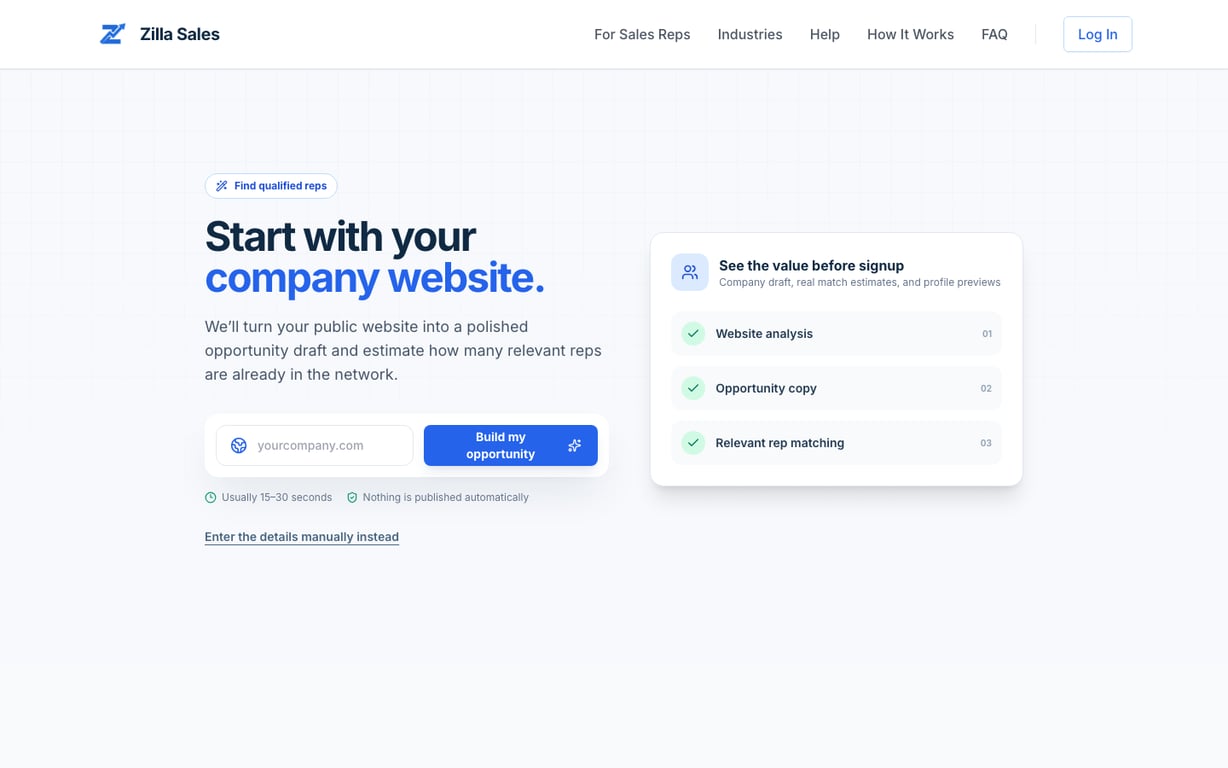
Start with your public company website or choose manual entry. Nothing is published automatically, and every suggested field remains editable.
Before you begin
Have these details ready:
- What the rep will sell and the target buyer
- Required territories and channels
- Commission range and whether it recurs
- Proof, training, leads, or operational support available to the rep
Step 1: build the draft
Enter the public website address and select Build my opportunity. Zilla analyzes available public content and suggests company details, positioning, industries, and opportunity copy. Review every suggestion.
If the website cannot be analyzed, retry once or select Continue manually. You do not lose the funnel and you do not need to restart.
Step 2: confirm the commercial details
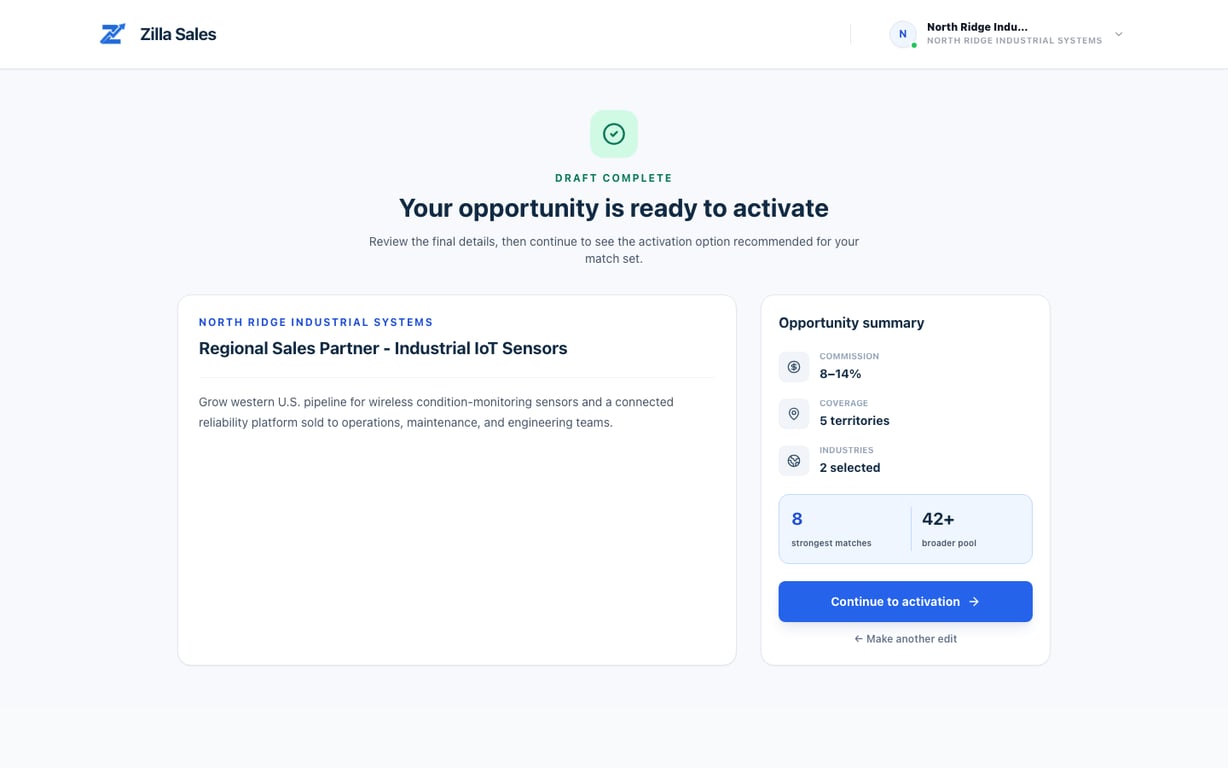
Review the company, offer, commission model, industries, and territories. Match estimates are directional and can change when the final opportunity and richer rep evidence are reviewed.
Step 3: save and activate
Sign in or create a company account to attach the draft. Review the final opportunity, then continue to activation. For the exact offer assigned to you—including the amount due today, renewal amount, billing interval, and credits—view live pricing and confirm the checkout terms.
Step 4: follow matching and applications
After approval and activation, open Matches to review the rolling shortlist. Applications contains reps who actively responded. Those are different intent levels and should be managed separately.
Related guides
Was this article helpful?
Tell us whether this answered your question.