
Help Center
Rep
Rep workflows for profile setup, applying, and opportunity tracking.
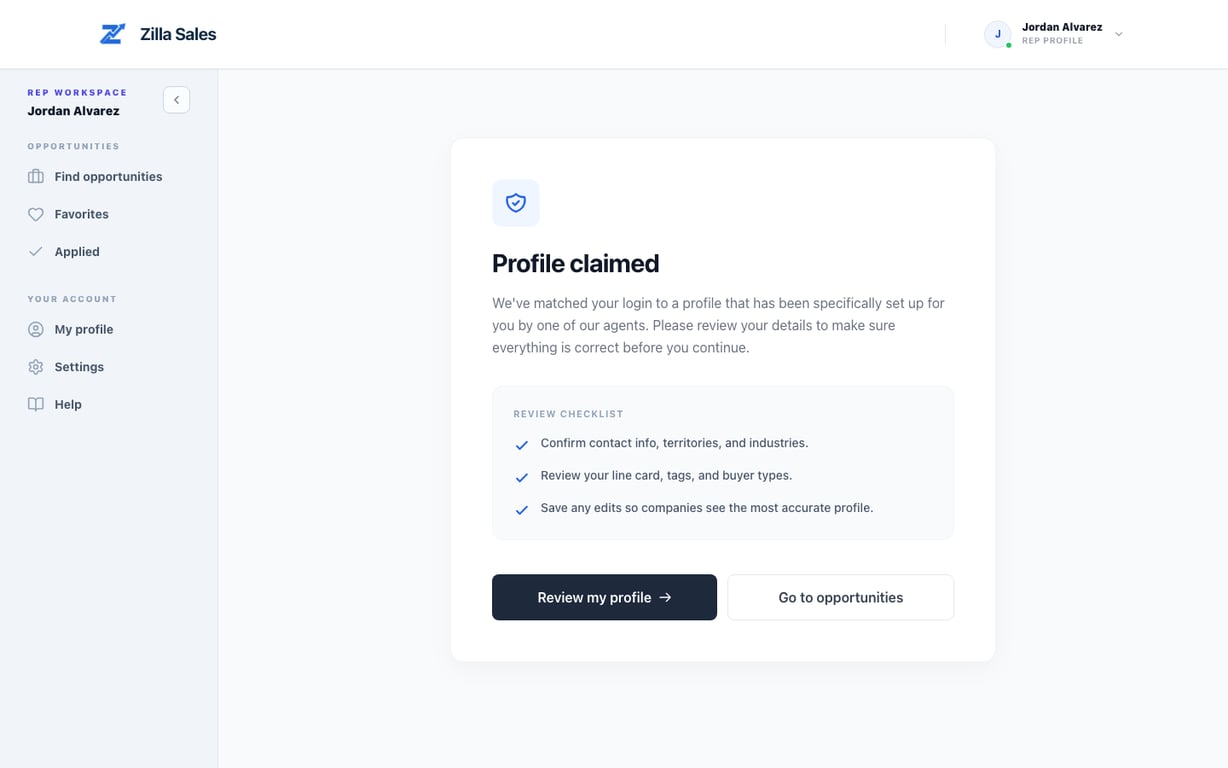
Your profile was claimed: what to do next
If your profile was pre-created, this checklist helps you verify it and apply with confidence.
Read guide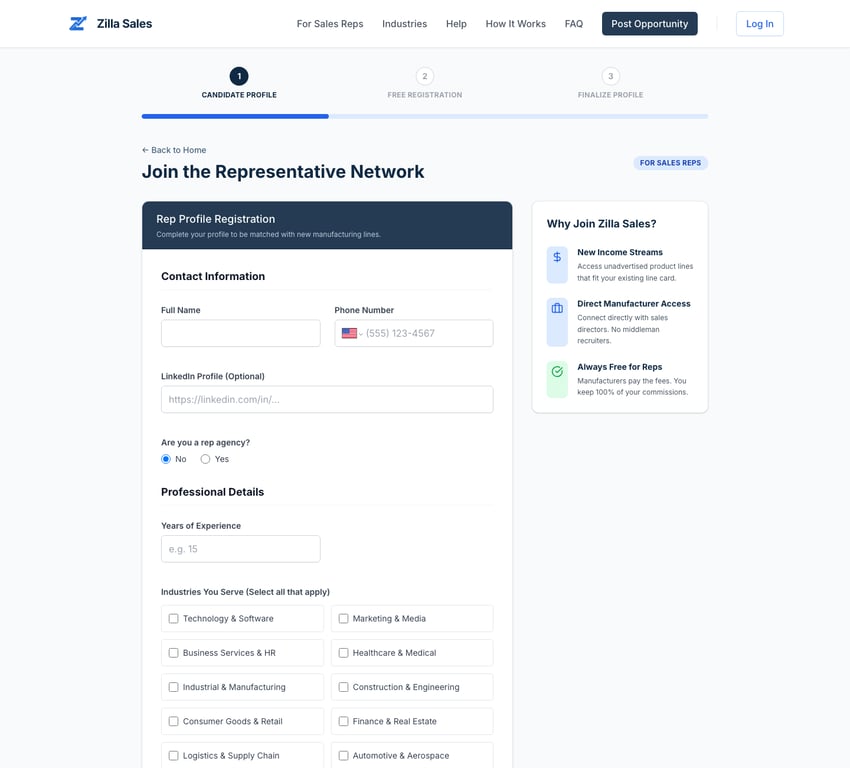
Build and complete your rep profile
Build the profile and line card companies use to assess your fit, while keeping every field accurate and specific.
Read guide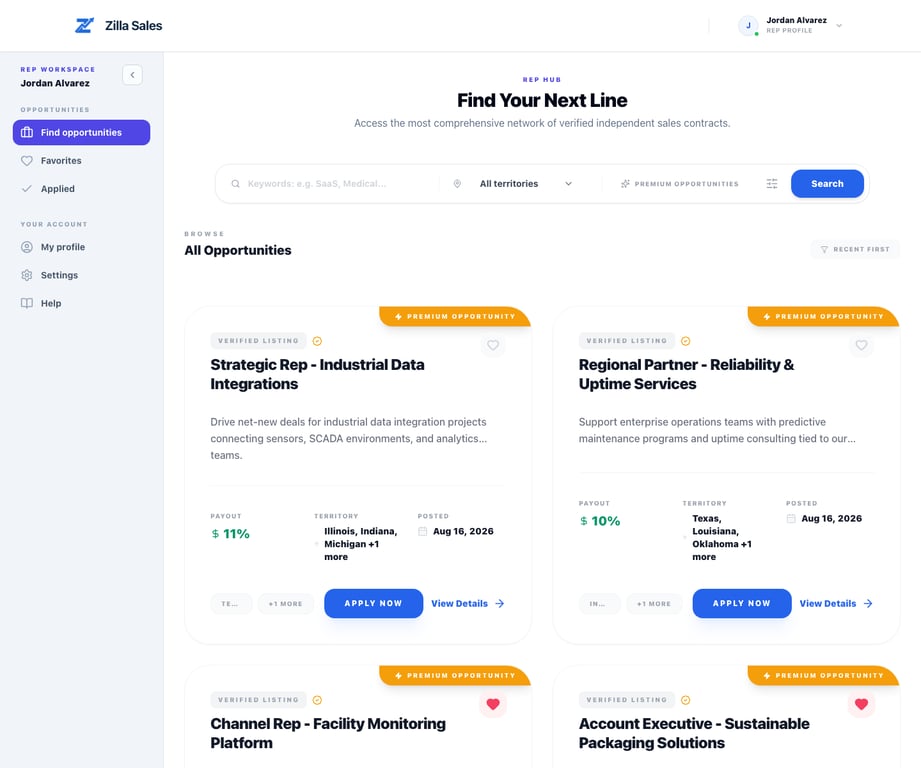
Find and save relevant opportunities
Use search, filters, and favorites to build a small list of opportunities that match your buyers, products, and territory.
Read guideApply to an opportunity
Apply when your buyer, product, territory, and commercial fit are credible—and know exactly what happens after submission.
Read guide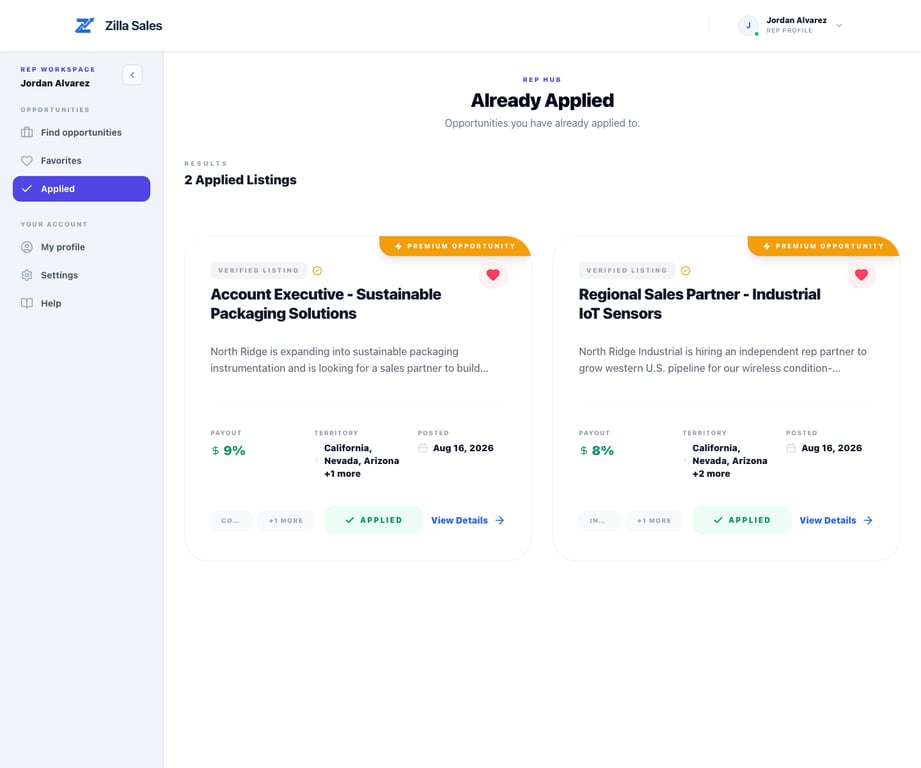
After you apply: what happens next
See where your application appears, how a company may respond, and how to improve your next applications without over-applying.
Read guideQuick answers
Common rep questions
Do I need to complete my profile before applying?
A complete, accurate profile and line card give companies the evidence they need to evaluate your application. Finish the important fields before applying where possible.
Build your rep profileHow do I find better-fit opportunities?
Search by the buyers, products, and territories where you have credible experience, then use Favorites as a short working list.
Find and save opportunitiesWhat makes an application stronger?
Specific buyer access, territory coverage, product adjacency, and a current line card make your relevance easier for the company to verify.
Prepare a stronger applicationWhat happens after I apply?
The company reviews your attached profile and may favorite or unlock it. A submitted application does not guarantee that the company will contact you.
See what happens nextHow will a company contact me?
After gaining contact access, a company may use the current email, phone, LinkedIn, or agency details available on your profile.
Review contact and notification steps