
Account
Post-opportunity login handoff: how it works
If you started posting before login, this guide explains exactly how to continue and avoid restarting.
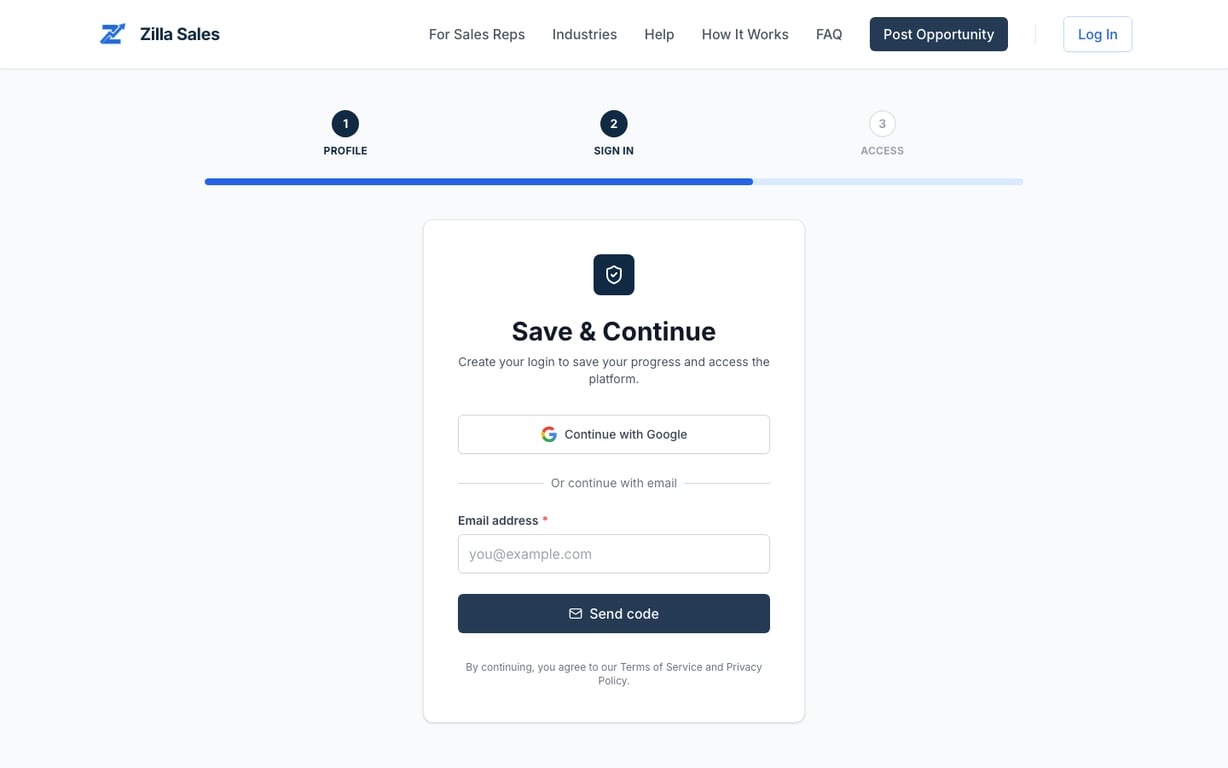
If you started posting an opportunity and got sent to login, that is expected. Zilla Sales saves the flow so you can continue after authentication.
What should happen
- You begin on Post an opportunity.
- The platform redirects you to the opportunity sign-in flow.
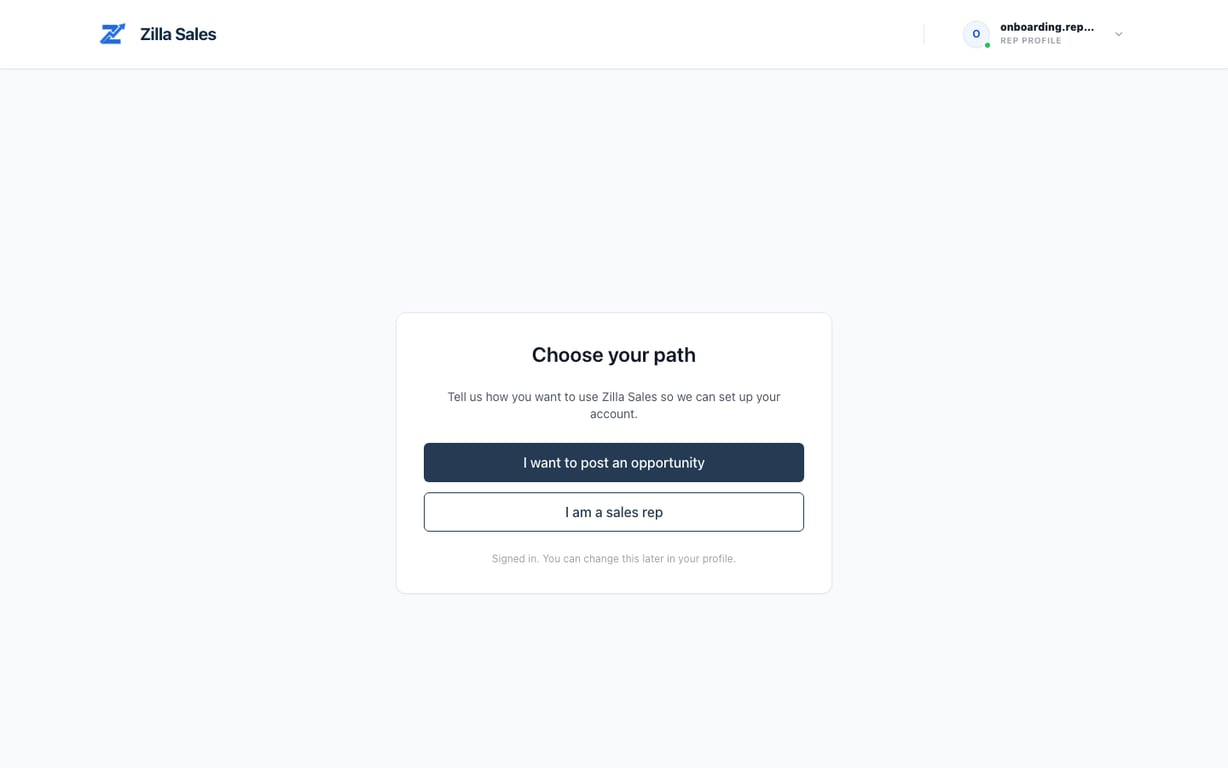
- After sign-in, you may be asked to choose account type on the account-type screen.
- You are routed back to continue posting.
If you get stuck in a loop
- Confirm you are signing in with the same email used to start onboarding.
- Complete role selection when prompted.
- Retry in an incognito window if redirects seem stale.
Fast way to confirm everything is working
- Open Post an opportunity again.
- Fill one required field and save.
- You should land back in the company posting flow after auth.
Related guides
Was this article helpful?
Tell us whether this answered your question.